Photo to Fashion Video Generator
ApparelAI turns a finished photoshoot image into a short fashion video, adding motion to a still you have already generated. It covers the three clip types apparel brands actually publish: listing videos for marketplaces, UGC-style content for Reels and Shorts, and editorial motion for ads.

How it works
Three steps from the garment you have to the listing photo you need.
Start from a photo
Pick any image from a photoshoot. The video is built from a still you have already approved, so the garment, model and setting are already right before motion is added.
Choose the motion
Select a preset such as push-in hero, pull-back reveal, slow pan, orbit, walk cycle, model turn, slow-mo twirl, fabric showcase or hair flip. For UGC, pick mirror selfie, try-on or outfit reveal, which come with audio.
Export for the platform
Download the clip for marketplace listings, Instagram Reels, YouTube Shorts or paid social.
What you get
- Photo to Video from any photoshoot image
- Motion presets: gentle pose, smile, push-in hero, pull-back reveal, pans, orbit, walk cycle, model turn, slow-mo twirl, fabric showcase, hair flip
- UGC-style videos with audio: mirror selfie, try-on and outfit reveal
- Custom Motion, where you describe the camera or model movement yourself
- Push notifications on mobile when a generation finishes
Frequently asked questions
Do I need to shoot video separately?
No. The video is generated from a photoshoot image you already have, so there is no separate shoot, no videographer and no second round of garment handling.
What kinds of motion are available?
Presets cover subtle work like a gentle pose or smile, camera-led moves such as push-in hero, pull-back reveal, pans and orbit, and motion-heavy options including walk cycle, model turn, slow-mo twirl, fabric showcase and hair flip. You can also describe your own movement with Custom Motion.
Can I make UGC-style creator content?
Yes. UGC-style videos produce selfie-framed clips with audio, including mirror selfie, try-on and outfit reveal, which is the format that performs on Reels and Shorts without booking a creator.
Which garment types work best?
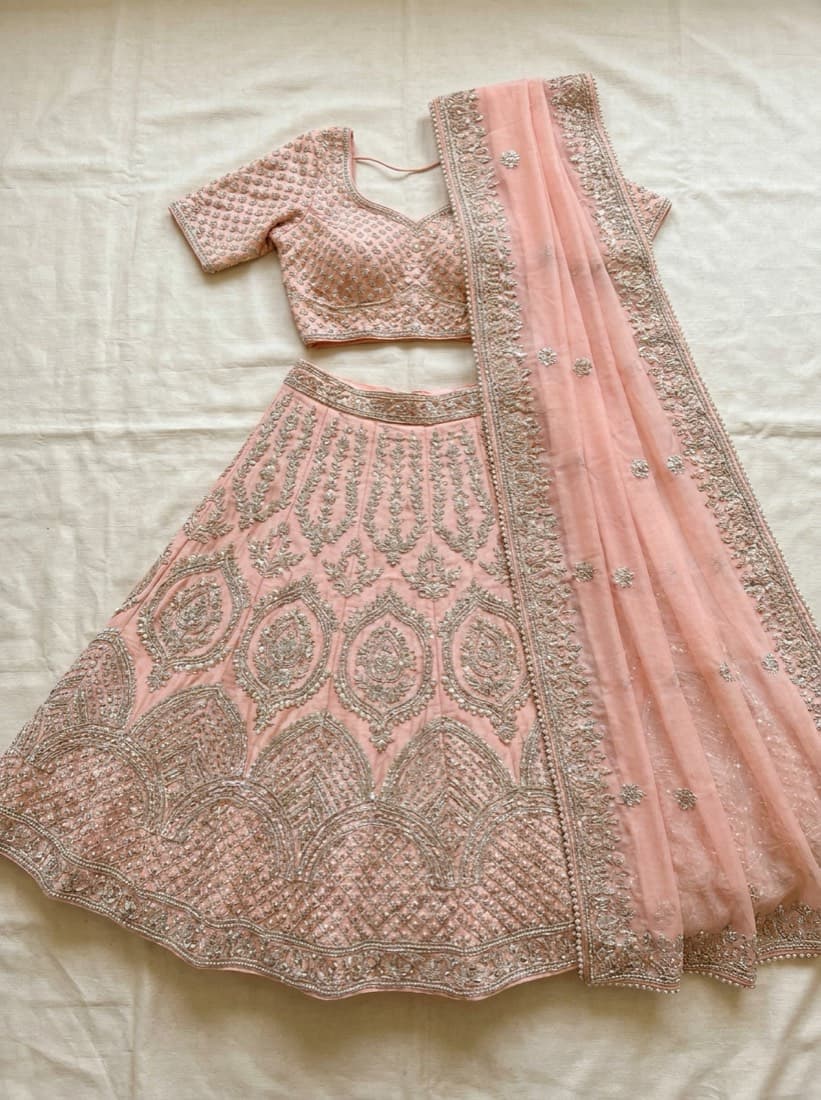
Motion suits anything with drape and movement, which is why sarees, lehengas, dupattas and flowing dresses tend to look strongest. Structured pieces work better with camera-led presets than with model movement.
Where should I use these clips?
Marketplace listing videos, Instagram Reels, YouTube Shorts and paid social. Listing videos in particular are one of the few levers that lift conversion without buying more traffic.
Further reading
Building a Consistent AI Brand Model
A catalog where every listing shows a different face reads as a reseller. How to define one persistent AI model and use it across an entire season.
GuidePhone Photos of Clothes That AI Can Actually Use
Your phone is good enough. The input rules that decide whether an AI photoshoot comes back accurate: flattening, lighting, angle, white balance and framing.
Turn a photo into a video today
Upload one garment photo and see the result before you decide anything. Free trial, no credit card.
Start freeTools that pair with this
AI Outfit Builder
Combine a top + bottom (+ optional shoes, accessories, model) into one fully-styled photo.
AI Background Changer
Swap the backdrop for any scene. Describe it in words or upload a reference photo - both modes work.
AI Color Variation
Render the same garment in up to 6 colors in one shot. Build complete color stories without re-shooting.
Other solutions
Saree Photoshoots
Body, pallu and blouse uploaded separately, rendered as one on-model saree shoot.
Ghost Mannequin
Hollow-mannequin product shots from a hanger or on-model photo, front, back and side.
Indian Ethnic Wear
Salwar suits, kurtis and dupattas, with each piece uploaded separately and styled into one shoot.